Sample · SaaS & B2B examples
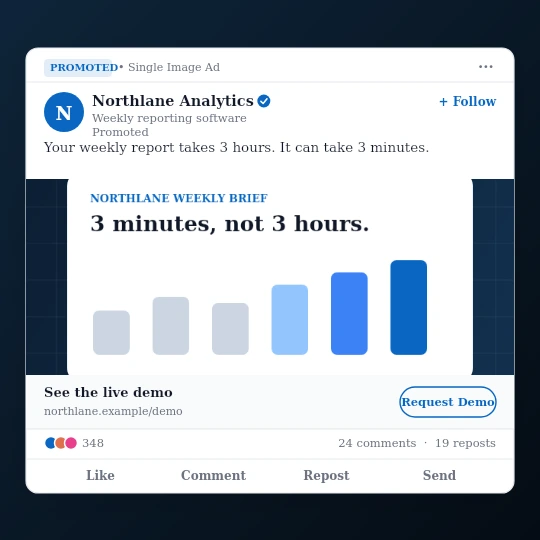
Sample: Software ad
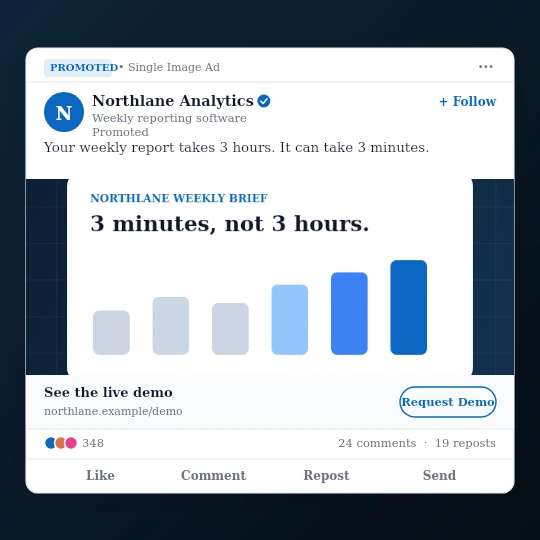
Northlane Analytics · See the live demo · Request Demo.
See your ad in a real LinkedIn feed before you launch. Edit it. Download it.
Made by PostWorthy · Last updated November 18, 2026 · Rated 4.9/5 (1,247 users)
Make my first post free
1 free download left · 1 free sharp download · Unlimited previews
For mockups, templates and demos. Don't use it to mislead people.
A LinkedIn ad mockup generator makes a picture of how an ad will look in the LinkedIn feed. You type the company name, intro text, headline and button, then download an image. Teams use it to review ads and show clients before launch. This one also makes posts and recommendations.
Also preview posts and ads with the Facebook post and ad mockup generator, compare channels in the social ad mockup generator, or view all free mockup tools.
A design file can't show how your ad reads. This preview shows the company row, the intro text, the image and the button the way people see them.
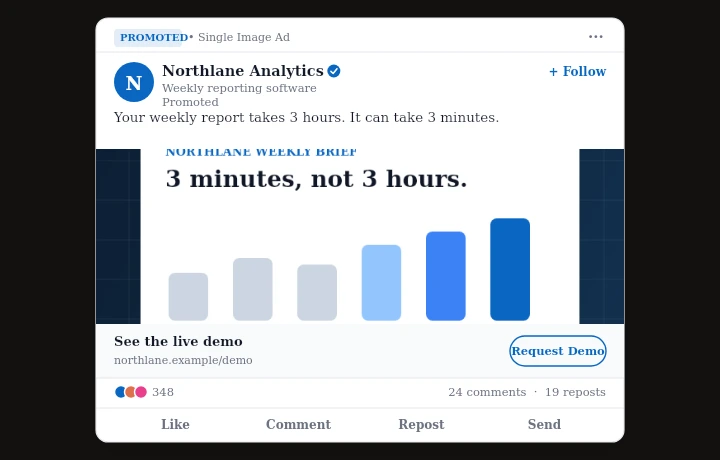
The company row and the Promoted tag sit where LinkedIn puts them.
A wide ad image with a headline, web address and button below it.
Learn More, Sign Up, Download, Apply, Request Demo, Register and Subscribe.
A Received recommendation card with a line on how you know each other.
Like, Celebrate and Love icons, counts, and a comment thread with names.
Switch the look with one tap.
| Format | What you get | What you can edit | Good for |
|---|---|---|---|
| Sponsored ad (single image) | Promoted label, wide image, headline bar, button | Company, intro text, image, headline, web address, button | Client approvals, ad reviews |
| Feed post | Author line, follow button, reactions, comments | Name, job title, text, image, counts, comments | Founder posts, thought pieces |
| Recommendation | Received recommendation card with a relationship line | Names, relationship note, text | Case studies, proof posts |
Not supported yet: carousel ads, video ads and document ads.
| Size | Ratio | PNG pixels | Best fit |
|---|---|---|---|
| Fit to text | Auto | 1620 px wide (auto height) | Client email reviews, Slack feedback threads, and slide embeds |
| Square | 1:1 | 1620 × 1620 px | LinkedIn square ads, feed posts, and deck cards |
| Tall | 4:5 | 1620 × 2025 px | Mobile social posts and case study previews |
| Story | 9:16 | 1500 × 2667 px | Vertical video covers, Reels, and Stories |
| Wide | 16:9 | 1920 × 1080 px | Presentation slides, Notion docs, and blog headers |
Checked 2026-11-18
| Placement | Recommended size | Aspect ratio | Note |
|---|---|---|---|
| Single image ad (landscape) | 1200 × 627 px | 1.91:1 | Standard horizontal sponsored ad card |
| Single image ad (square) | 1200 × 1200 px | 1:1 | Square feed placement for mobile and desktop |
The preview shows a wide banner. Upload the exact size in Campaign Manager. Specs change over time, so check the current specs before launching. LinkedIn's official ad specs
Show a client the ad in a feed before you spend anything.
Check that the intro text, headline and button fit.
Put the ad you ran into a slide.
Turn a kind recommendation into a post. Use real words from real people, with their OK.
Pick any layout to edit it above, or browse all examples in the Showcase.
Sample · SaaS & B2B examples
Northlane Analytics · See the live demo · Request Demo.
Sample · Agency examples
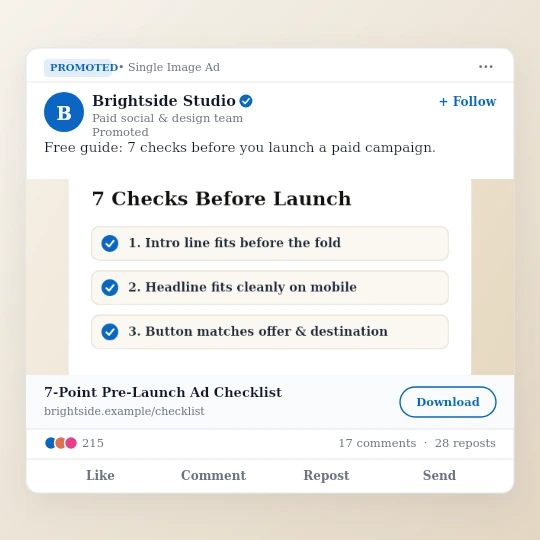
Brightside Studio · 7 checks pre-launch guide · Download.
Sample · Agency examples
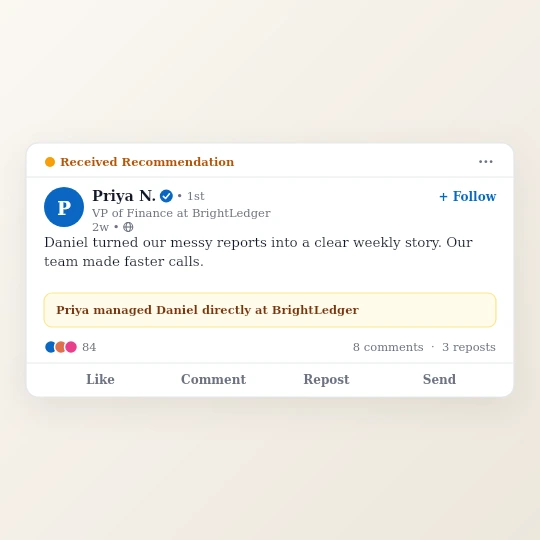
Priya N. · Priya managed Daniel directly at BrightLedger.
Sample · SaaS & B2B examples
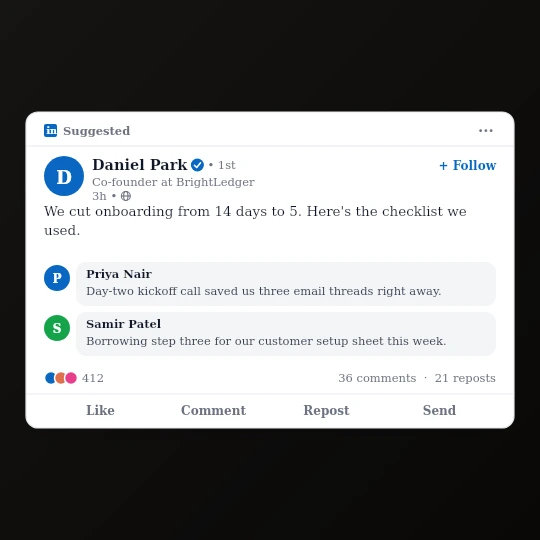
Onboarding checklist post paired with two reply comments.
Try your first post free, or pick a one-time upgrade. · No auto-renewal · No card stored · 7-day refund on the 30-Day Pass
Try it: $0 · Just a few: $4 · Post every day: $9 · Agency forever: $99
Yes, you get one free download (with the PostWorthy badge), no credit card, and unlimited previews while you edit. Clean, badge-free upgrades are one-time: $4 for 2 downloads, $9 for 30 days, $84 for 1 year, no renewal, or $99 lifetime. Nothing renews by itself.
LinkedIn single image ads commonly use a wide 1.91:1 image (1200 x 627) or a square one (1200 x 1200). Specs change, so check LinkedIn's current ad specs before you build. This tool lets you preview both frames cleanly.
Long intro text can be cut off in the feed, often around 150 characters, so lead with your main point. Check the preview in Campaign Manager before launch. Testing the first line inside a mockup spots early line breaks.
Yes, you can switch between three LinkedIn formats above the preview card. Choose Ad for single-image sponsored ads, Post for organic feed updates with follow buttons, or Recommendation for endorsement cards showing how two people worked together.
Yes, you can edit reaction counts and build a comment thread with commenter names, verified badges, reply text, and like counts. Open the Words tab, turn on Add comments, and add reply rows before exporting your sharp PNG image.
No. It makes an image. You upload it to LinkedIn or paste it into a deck. Nothing connects to your LinkedIn account or Campaign Manager, and every edit stays on your device until you choose to save.
Yes. Export a PNG and mark it as a draft. If you show a recommendation, use real words from a real person who agreed to share them. Sharing a feed image helps clients review copy faster than plain documents.
You can pick any of seven LinkedIn action buttons: Learn More, Sign Up, Download, Apply, Request Demo, Register, and Subscribe. Select a label under Sponsored ad settings in the Words tab and the preview bar updates immediately.
Build Facebook ads, Page recommendations, posts, and comment threads.
Open Facebook toolPreview social feed ads and testimonial cards across ad networks.
Open Social ad toolCreate clean X post and reply mockups in light or dark mode.
Open X toolEdit a sample above and download a sharp PNG for free.
Make my first post free