iPhone look
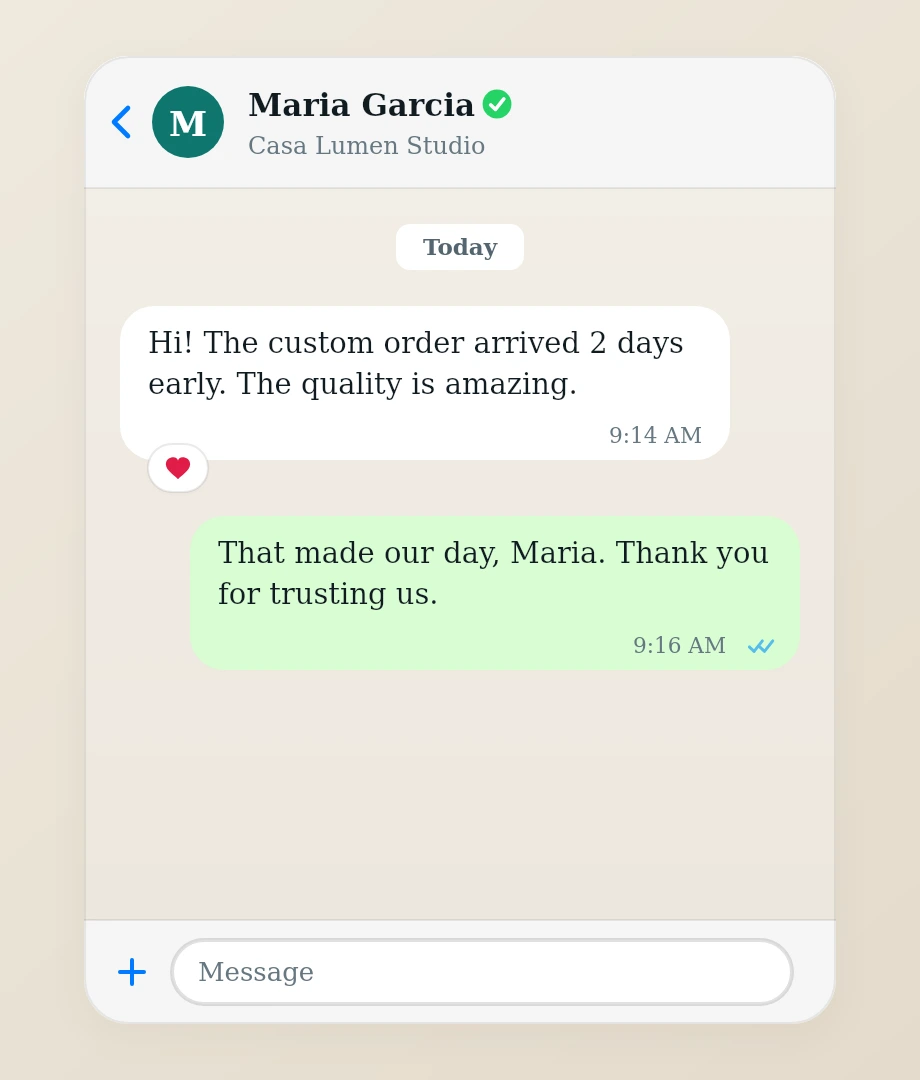
Build a WhatsApp chat that looks like the real app. Pick iPhone or Android. Download a sharp image.
Free unlimited previews. 1 free sharp download with an account. No subscription.
Made by PostWorthy · Last updated · Rated 4.9/5 (1,247 users)
Edit the contact name, customer message, and reply. Pick iPhone look or Android look and download a sharp PNG.
For mockups, templates and demos. Don't use it to mislead people.
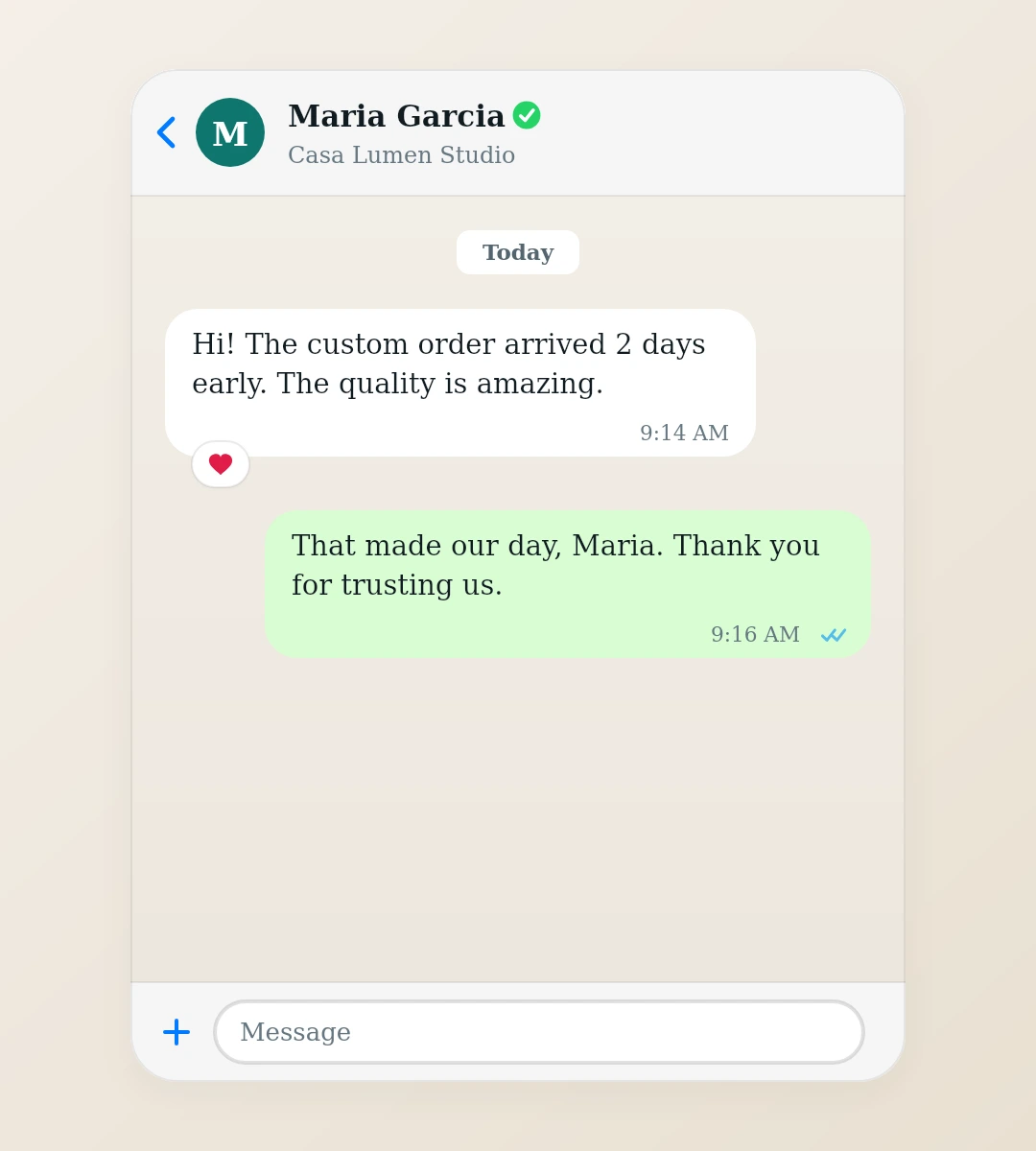
A WhatsApp chat mockup generator makes a picture of a WhatsApp conversation. You type the contact name and the messages, choose an iPhone or Android look, and download an image. People use it for ads, landing pages, sales decks and demos. It doesn't send messages or connect to WhatsApp.
Six details people notice. Every one is yours to edit.
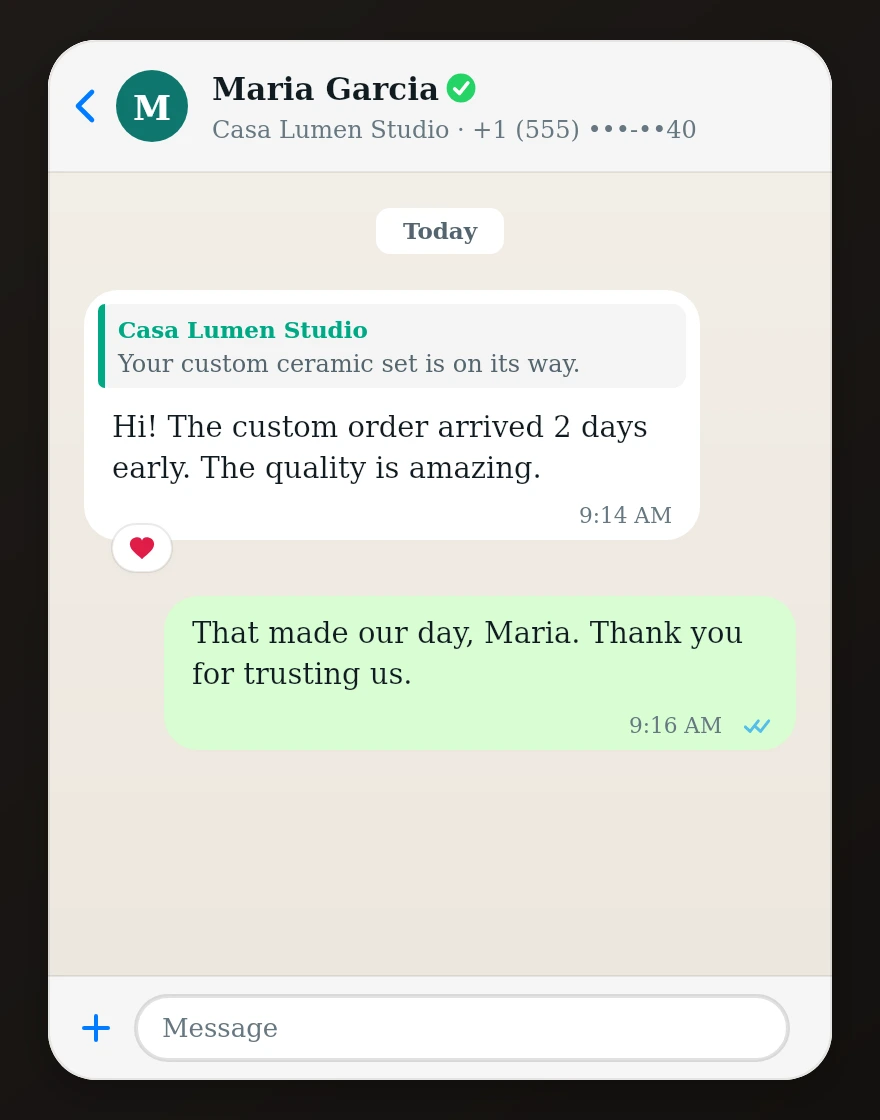
Name, photo and a business line.
Turn the green business badge on or off.
Show a reply to an earlier message.
Add an emoji reaction to a bubble.
One gray, two gray or two blue ticks.
Hide the middle of a phone number.
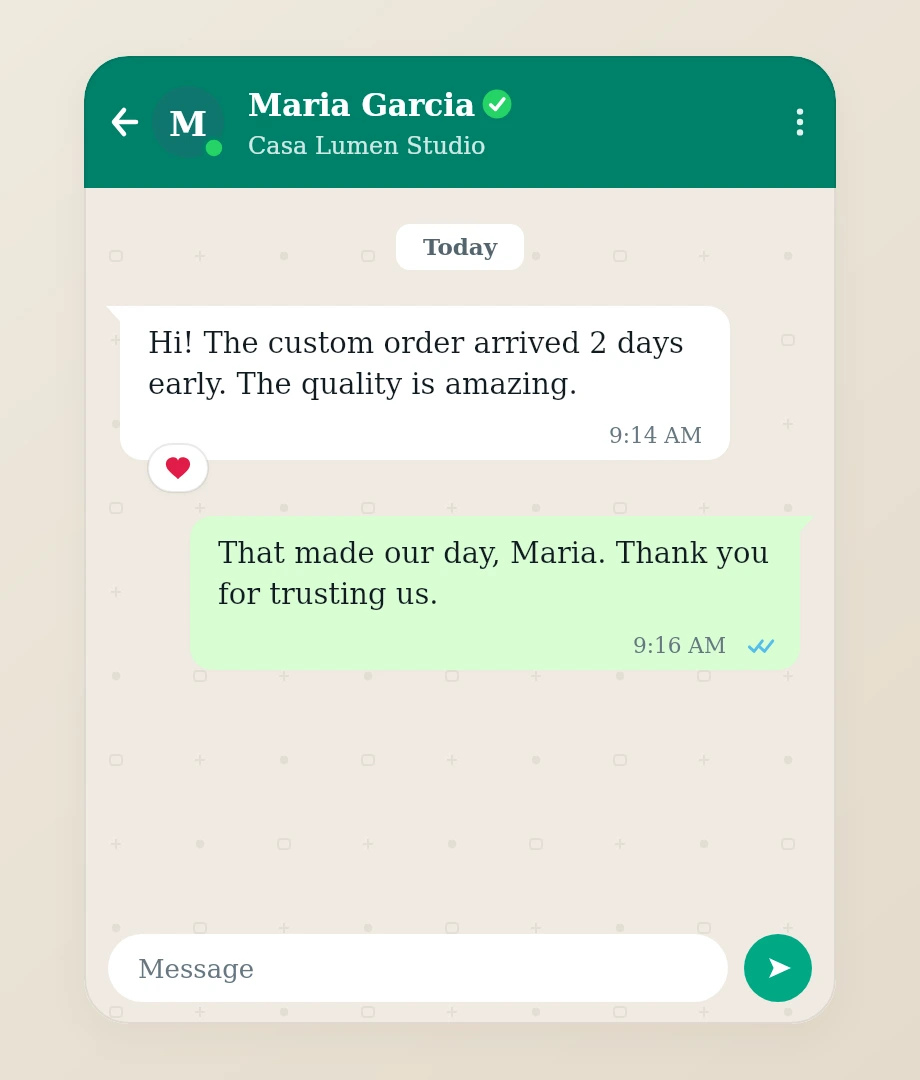
Same chat, two looks. Flip it and see.
| Look | Top bar | Background | Bubbles | Good for |
|---|---|---|---|---|
| iPhone look | Frosted header with a back arrow and contact pill | Soft chat area | Frosted bubbles and a floating reaction | Modern ads and decks |
| Android look | Teal top bar with an online dot | Patterned wallpaper | Classic bubbles with tails | Familiar everyday look |
Both work in light and dark. Need blue Apple text bubbles instead? Try our iMessage mockup generator.
| Detail | What you can do |
|---|---|
| Contact | Name, photo or initial, and a line with a business name or phone number |
| Business badge | Turn the green verified badge on or off |
| Messages | Write the customer message and your reply, with a time on each |
| Receipts | Sent, delivered or read ticks |
| Quoted reply | Show a reply to an earlier message |
| Reaction | Add an emoji reaction |
| Privacy | Hide the middle digits of a phone number |
| Look | iPhone or Android, light or dark |
| Output | Five sizes, backgrounds or see-through, rounded corners, shadow, sharp PNG, Copy image |
| Editing | Click any text in the preview to change it |
| Tick | Meaning |
|---|---|
| One gray tick | Sent |
| Two gray ticks | Delivered |
| Two blue ticks | Read |
| Size | Good for |
|---|---|
| Square 1:1 | Feed ads and landing pages |
| Tall 4:5 | Meta feed ads |
| Story 9:16 | Stories, Reels and Status |
| Wide 16:9 | Slides and banners |
| Fit to text | Docs and decks |
Free plans export one size at a time. All sizes in one ZIP needs a paid plan.
Show a short chat in your ad so people want to message you. Square or 4:5 works well.
Show a customer's praise as a chat. Get their OK first and hide their number.
Show how your team talks to customers.
Show a client the message flow before you build it.
Explain a support script or a message template.
Make a chat for a script or a short film. Label it as fiction.
Pairing a chat graphic with other proof? Make matching cards with our Facebook mockup generator, Google review mockup generator, X post mockup generator, or explore the full PostWorthy tools hub.
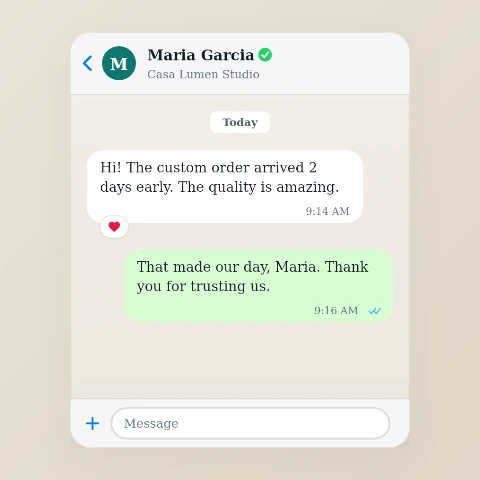
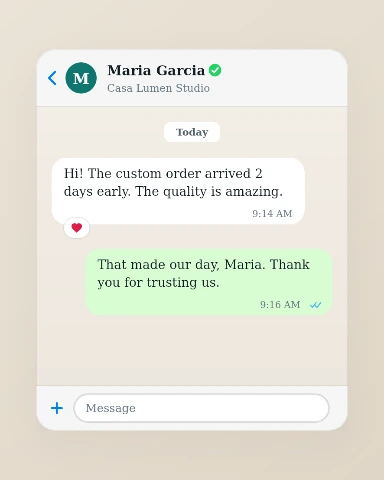
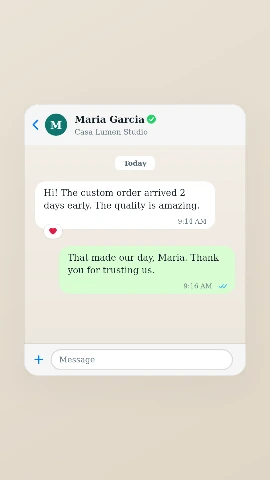
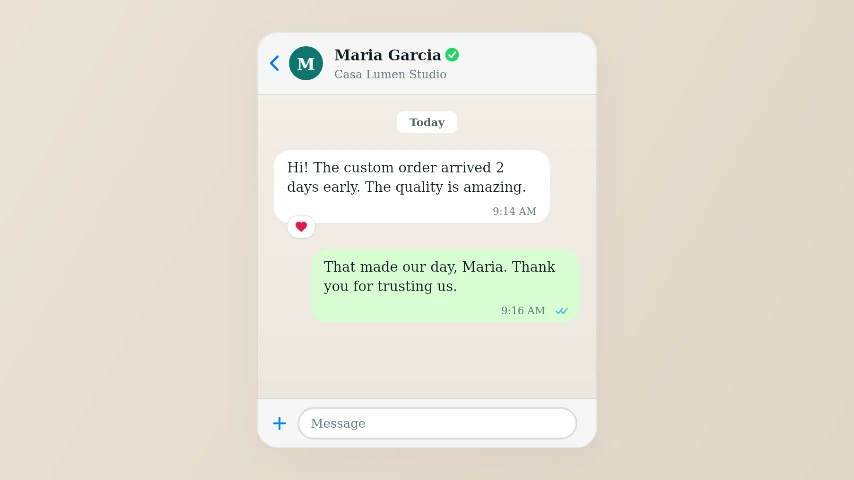
Sample · Maria Garcia · Casa Lumen Studio
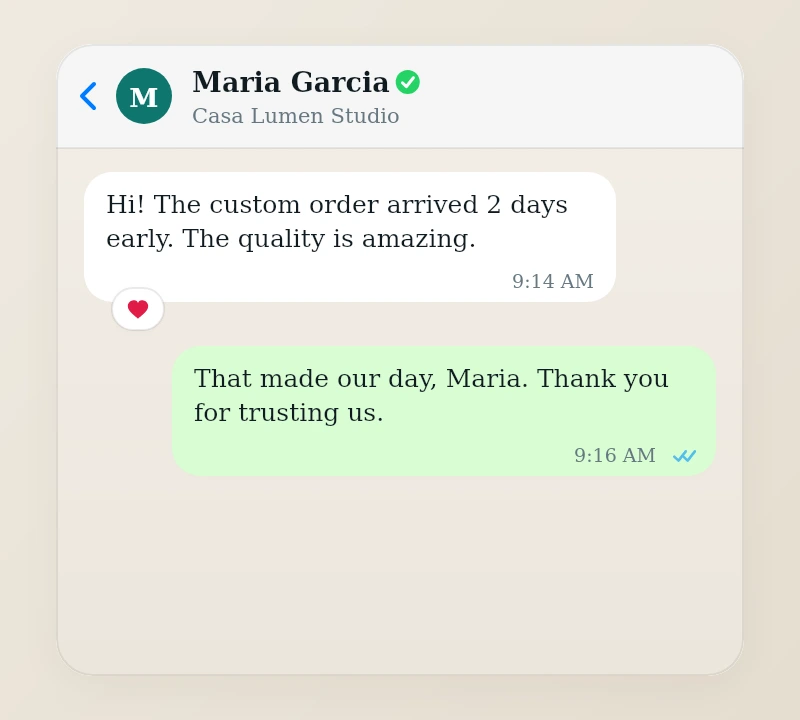
Hi! The custom order arrived 2 days early. The quality is amazing.
That made our day, Maria. Thank you for trusting us.
See restaurant examplesSample · Sam · Juniper Trail Co.
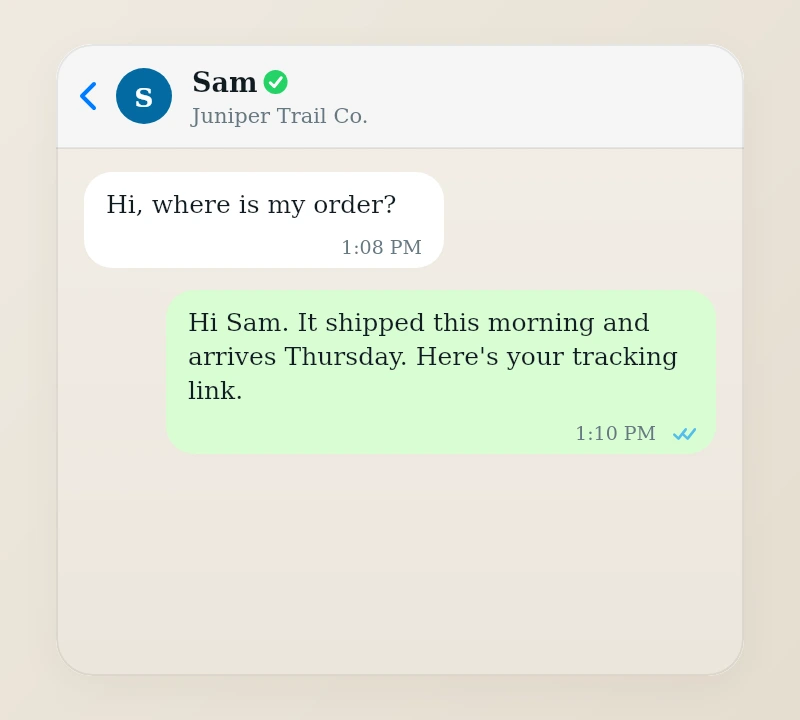
Hi, where is my order?
Hi Sam. It shipped this morning and arrives Thursday. Here's your tracking link.
See restaurant examplesSample · Dana · Maple Row Dental
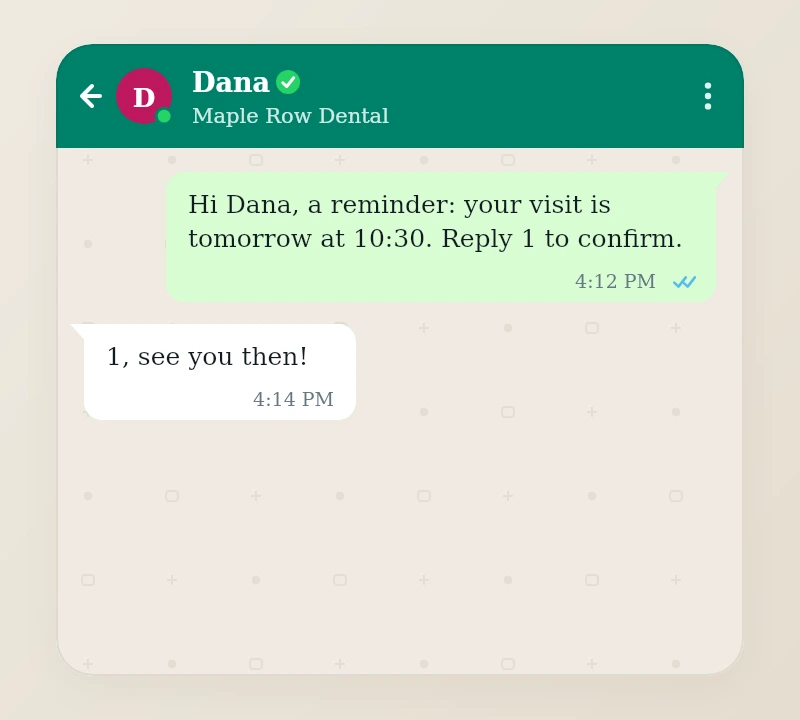
Hi Dana, a reminder: your visit is tomorrow at 10:30. Reply 1 to confirm.
1, see you then!
See agency examplesSample · Amara
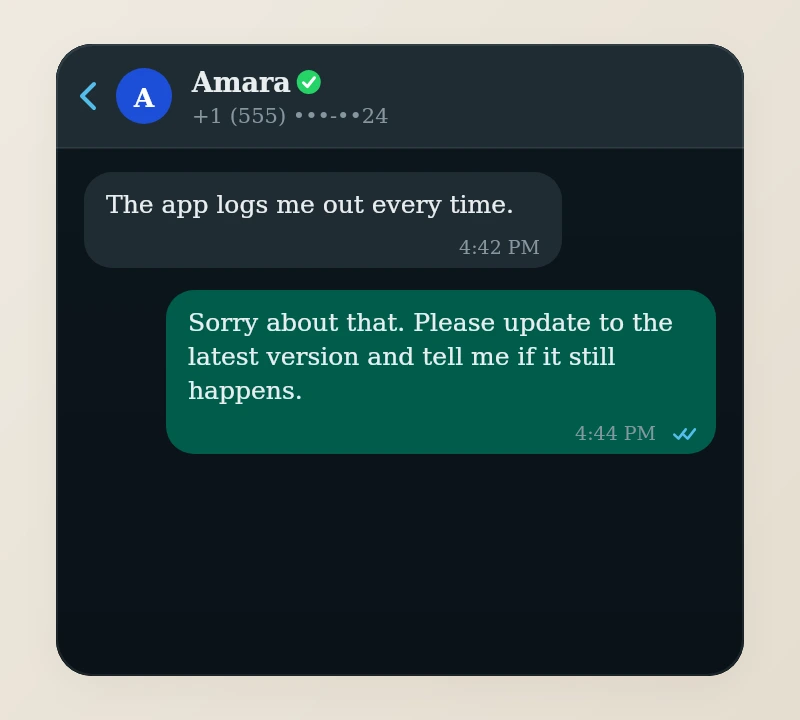
The app logs me out every time.
Sorry about that. Please update to the latest version and tell me if it still happens.
See agency examplesSample · Ravi Menon
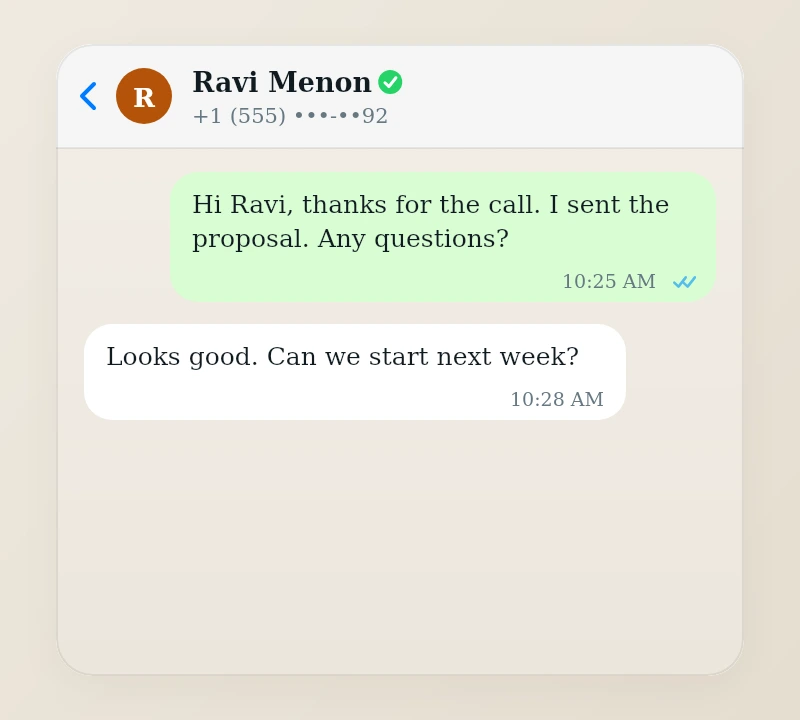
Hi Ravi, thanks for the call. I sent the proposal. Any questions?
Looks good. Can we start next week?
See coach and creator examplesSample · Tomas
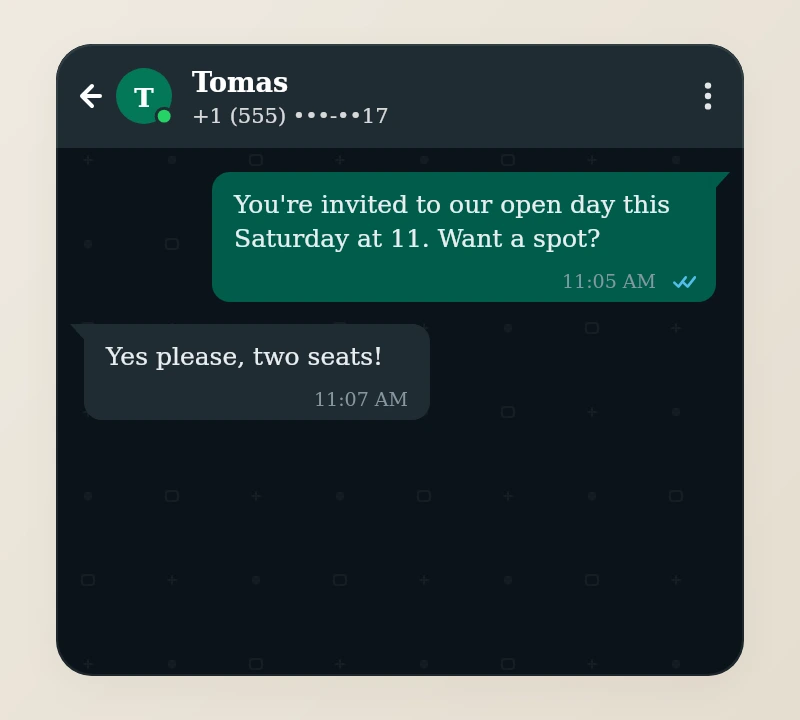
You're invited to our open day this Saturday at 11. Want a spot?
Yes please, two seats!
See coach and creator examplesMore examples by industry: Restaurants showcaseAgencies showcaseCoaches and creators showcase
Ask first. Get a clear yes from the customer.
Hide their phone digits and any private details.
Pick the lines that show the result. Keep their words.
Choose a size and post it with your own caption.
Read our step-by-step guide on turning WhatsApp chats into customer proof, or see how teams use WhatsApp chat mockups for Meta ads.
Read the full guide: Turn WhatsApp messages into testimonialsStart with unlimited previews and 1 free sharp download. Pay once only when you want more.
No auto-renewal · No card stored · 7-day refund on the 30-Day Pass
Yes, you can build and preview unlimited WhatsApp chats for free. Creating a free account gives you 1 free sharp download with a small PostWorthy badge, one size at a time. Paid packs start at $4 one time with no badge and no subscription.
No. It only makes an image. It never connects to WhatsApp, reads your chats or sends anything.
Yes. Switch on Group chat, name the group and add people, each with a name and color.
One gray tick means sent. Two gray ticks mean delivered. Two blue ticks mean read. Open More details in the editor to pick sent, delivered or read on your reply before you download your image.
Yes. Use the switch above the preview to flip between iPhone look and Android look anytime. Both looks work in light mode and dark mode, updating the header, bubbles and bar while keeping your words intact.
Yes. Open More details in the editor to turn on the green verified business badge next to the contact name. You can also set the line under the name to a business name or phone number.
Open More details in the editor and turn on Hide phone digits. The preview hides the middle digits of the phone number while keeping the start and end visible so customer details stay private before posting.
Pick Square 1:1 for feed ads and landing pages, Tall 4:5 for Meta feed ads, Story 9:16 for Stories, Reels and Status, Wide 16:9 for slides and banners, or Fit to text for docs. Check each platform's current specs first.
Yes, as an image. Use real customer words with their OK, hide private details, and don't suggest WhatsApp or Meta endorses you. Check the ad rules where you post.
Make clean iPhone blue and gray text message images for ads and decks.
Build Facebook posts, recommendations and sponsored ad cards.
Turn 5-star Google reviews into sharp cards for ads and landing pages.
Create crisp X post and reply images in light or dark mode.
Pick a sample or write your own chat and download a sharp PNG.
Jump back to the editor