Sample · Restaurant & shop examples
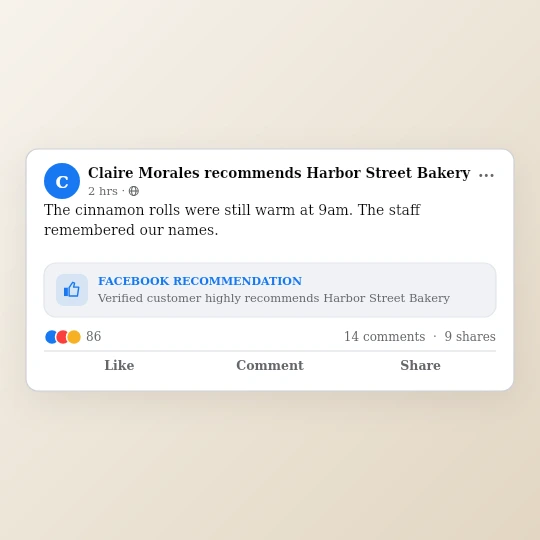
Sample: Local shop recommendation
Harbor Street Bakery · Warm morning cinnamon rolls review.
Make a Facebook post, ad or comment thread that looks like the real feed. Edit it. Download it.
Made by PostWorthy · Last updated November 18, 2026 · Rated 4.9/5 (1,247 users)
Make my first post free
1 free download left · 1 free sharp download · Unlimited previews
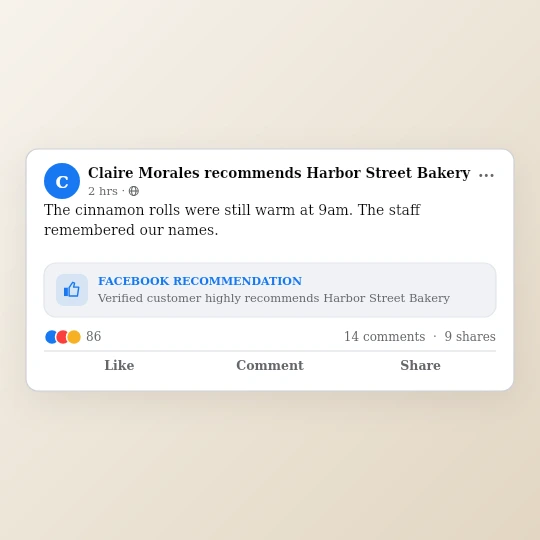
For mockups, templates and demos. Don't use it to mislead people.
A Facebook post mockup generator makes a picture of a post, ad or recommendation as it looks in the Facebook feed. You type the text, pick a style and size, and download an image. It is for previews, decks and client approvals. It does not post anything to Facebook.
Also preview posts and ads with the LinkedIn ad mockup generator, compare channels in the social ad mockup generator, or view all free mockup tools.
Screenshots cut off words, show your battery bar and look blurry. A mockup gives you a clean picture at the size you choose.
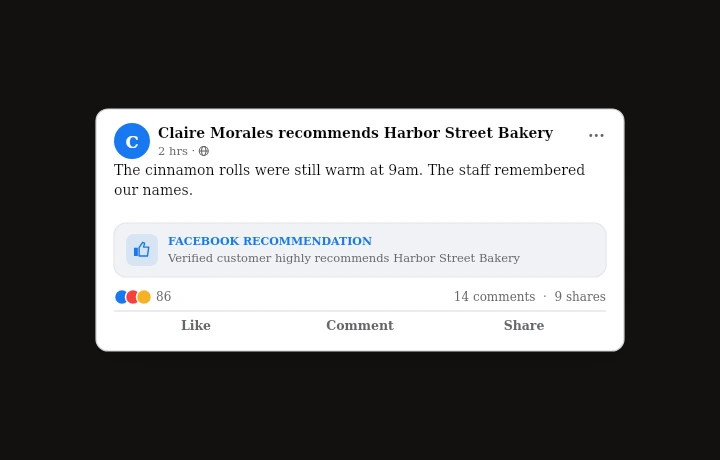
A page recommendation with the blue thumbs-up or the red thumbs-down.
A Sponsored label, a big image, and a link bar with headline and web address.
Learn More, Shop Now, Sign Up, Book Now, Download and Contact Us.
Like, Love and Care icons with reaction, comment and share counts.
Names, avatars, verified badges, text, reaction counts and a page reply marked Owner.
Long text folds into See more, like a real post.
| Format | What you get | What you can edit | Good for |
|---|---|---|---|
| Recommendation | "recommends" header, recommendation box | Name, business, yes or no, text | Page praise, case studies |
| Post | Public or Friends icon, reactions, shares | Name, text, image, counts | Announcements, decks |
| Sponsored ad | Sponsored label, image, link bar, button | Page, text, image, headline, web address, button | Ad review, client approvals |
This makes a picture of a comment thread that you write. It does not write comments for you. Add names, verified badges, text and reaction counts, then add a reply from the page marked Owner.
| Size | Ratio | PNG pixels | Best fit |
|---|---|---|---|
| Fit to text | Auto | 1620 px wide (auto height) | Client email reviews, Slack threads, and blog embeds |
| Square | 1:1 | 1620 × 1620 px | Facebook feed ads, recommendations, and page posts |
| Tall | 4:5 | 1620 × 2025 px | Mobile feed ads that fill more vertical screen space |
| Story | 9:16 | 1500 × 2667 px | Facebook Stories, Instagram Stories, and Reels |
| Wide | 16:9 | 1920 × 1080 px | Presentation slides, Notion docs, and landscape banners |
Checked 2026-11-18
| Placement | Recommended size | Aspect ratio | Note |
|---|---|---|---|
| Facebook feed image (square) | 1080 × 1080 px | 1:1 | Common square image size for feed placements |
| Facebook feed image (portrait) | 1080 × 1350 px | 4:5 | Tall feed placement on mobile phones |
| Facebook Stories | 1080 × 1920 px | 9:16 | Full-screen vertical Story frame |
This preview folds long text after 130 characters. Real placements vary, so check the final ad in Ads Manager's preview. Specs change over time, so check the current specs before launch. Meta's official ad specs
Share the sponsored ad preview with a client before you spend budget.
Drop clean post and ad mockups into client pitch decks without blurry screen grabs.
Turn a real page recommendation into a post, with the customer's OK.
Try square, 4:5 and Story sizes of the same ad.
Pick any layout to edit it above, or browse all examples in the Showcase.
Sample · Restaurant & shop examples
Harbor Street Bakery · Warm morning cinnamon rolls review.
Sample · Ecommerce examples
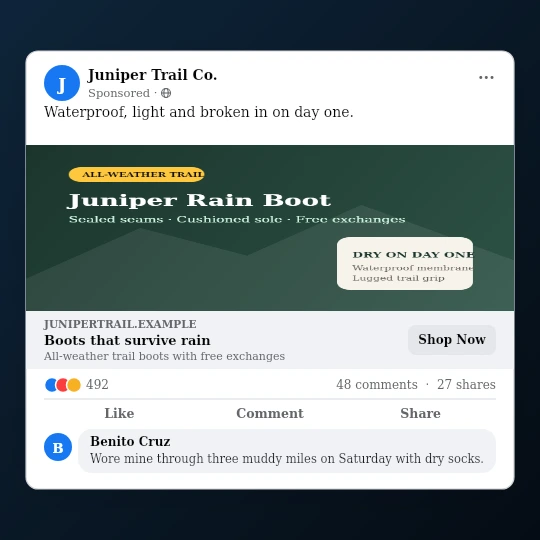
Juniper Trail Co. · Boots that survive rain · Shop Now.
Sample · Ecommerce examples
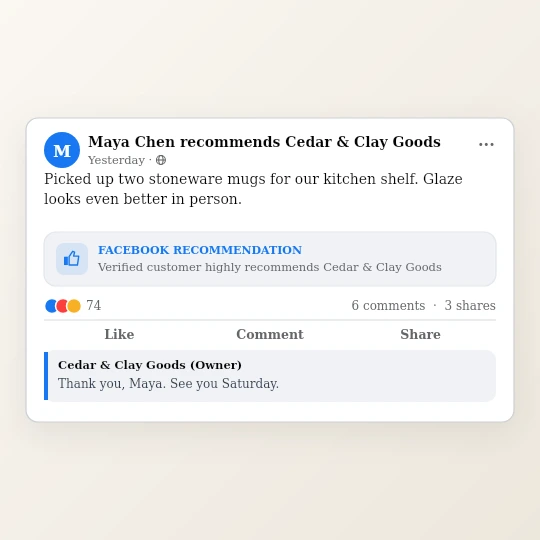
Includes Owner reply bubble: "Thank you, Maya. See you Saturday."
Sample · Restaurant & shop examples
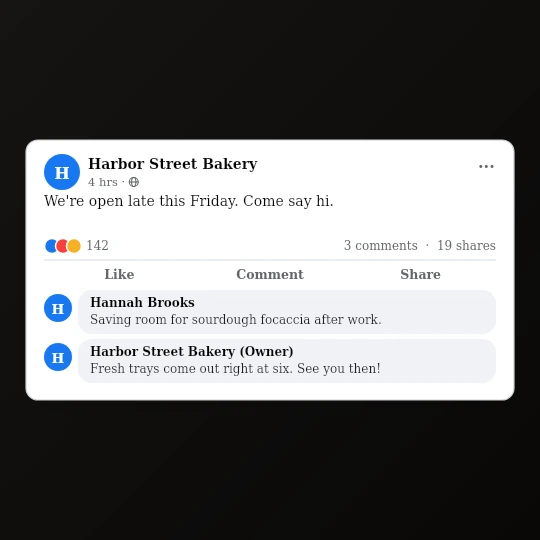
Three threaded comments below an evening shop update.
Try your first post free, or pick a one-time upgrade. · No auto-renewal · No card stored · 7-day refund on the 30-Day Pass
Try it: $0 · Just a few: $4 · Post every day: $9 · Agency forever: $99
No. It does not write comments with AI. It makes a picture of a comment thread that you type. You choose every name, photo, reaction count, reply line, and business owner response directly before exporting.
Yes, you get one free download (with the PostWorthy badge), no credit card, and unlimited previews while you edit. Clean, badge-free upgrades are one-time: $4 for 2 downloads, $9 for 30 days, $84 for 1 year, no renewal, or $99 lifetime. Nothing renews by itself.
Meta image sizes commonly use 1080 x 1080 pixels (1:1 square) or 1080 x 1350 pixels (4:5 tall) for feed posts and 1080 x 1920 pixels (9:16) for Stories. Requirements update often, so check Meta's current specs first.
This preview folds text after 130 characters. Real cut-offs vary by device and placement, so check Ads Manager's preview. Keeping your main hook at the start ensures readers catch the offer before tapping to expand.
Yes. Choose Recommendation above the preview card to load the Page recommendation layout. You can switch between the blue thumbs-up Recommends state and the red Doesn't state, edit the shop name, and add an owner reply.
Yes. Turn on Include business reply under the Words tab for recommendations, or add a reply row marked Owner inside the comment builder so your page response sits cleanly underneath customer praise before you download.
You can pick from six Facebook action buttons on sponsored ad cards: Learn More, Shop Now, Sign Up, Book Now, Download, and Contact Us. Change the button dropdown in the Words tab to preview it live.
Yes, you can upload it as your ad image. Meta's ad policies apply, so use real reviews and don't mislead people. Always confirm written permission before displaying any customer's name or photo inside an active paid ad.
Build sponsored LinkedIn ads, feed posts, and employee recommendations.
Open LinkedIn toolPreview social feed ads and proof graphics side by side.
Open Social ad toolTurn customer quotes into feed posts, carousels, and Story visuals.
Open Instagram toolBrowse all tools in the hub · Guide: How to use customer reviews in Meta ads
Edit a sample above and download a sharp PNG for free.
Make my first post free