iMessage
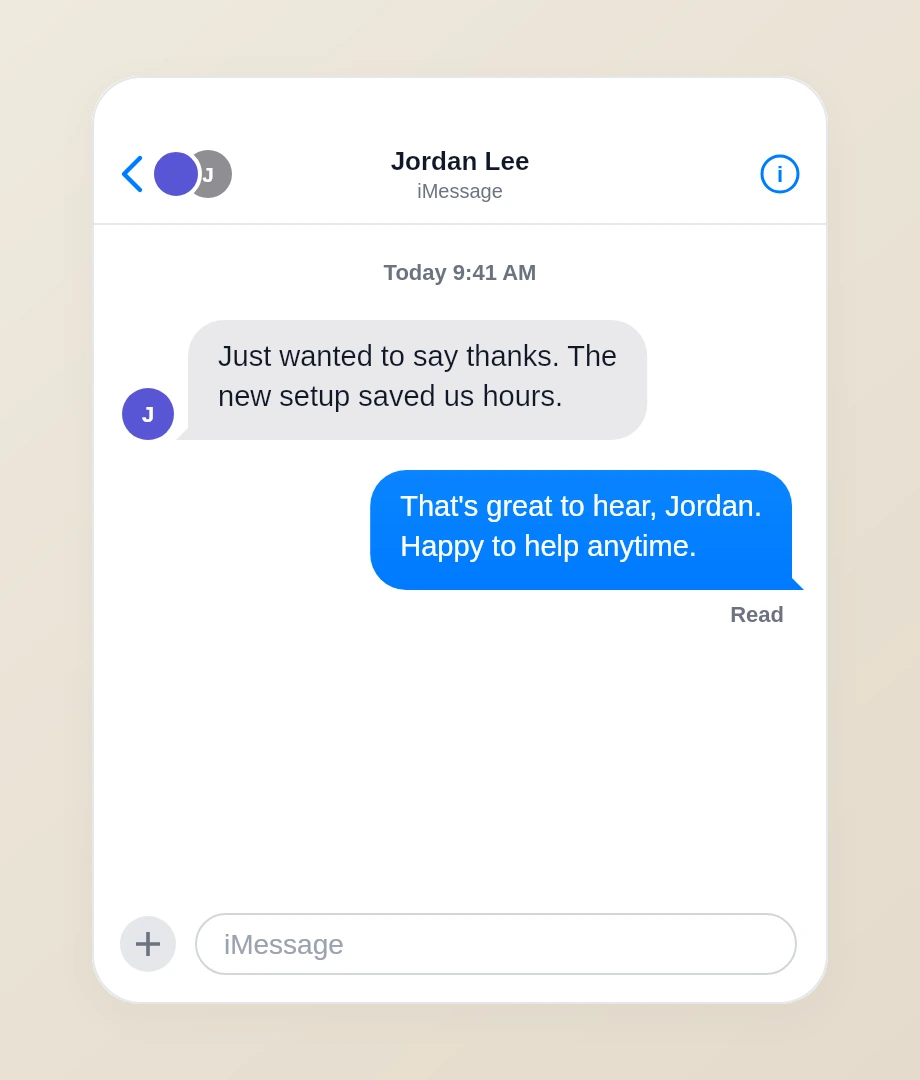
Build an iMessage chat that looks like the real app. Switch to a green text message in one tap. Download a sharp image.
Free preview. Sign in for 1 free download with the PostWorthy badge. Paid plans start at $4.
Made by PostWorthy · Last updated · Rated 4.9/5 (1,247 users)
Edit the contact name, incoming message, and reply. Switch between blue iMessage and green text message, then download a sharp PNG.
For mockups, templates and demos. Don't use it to mislead people.
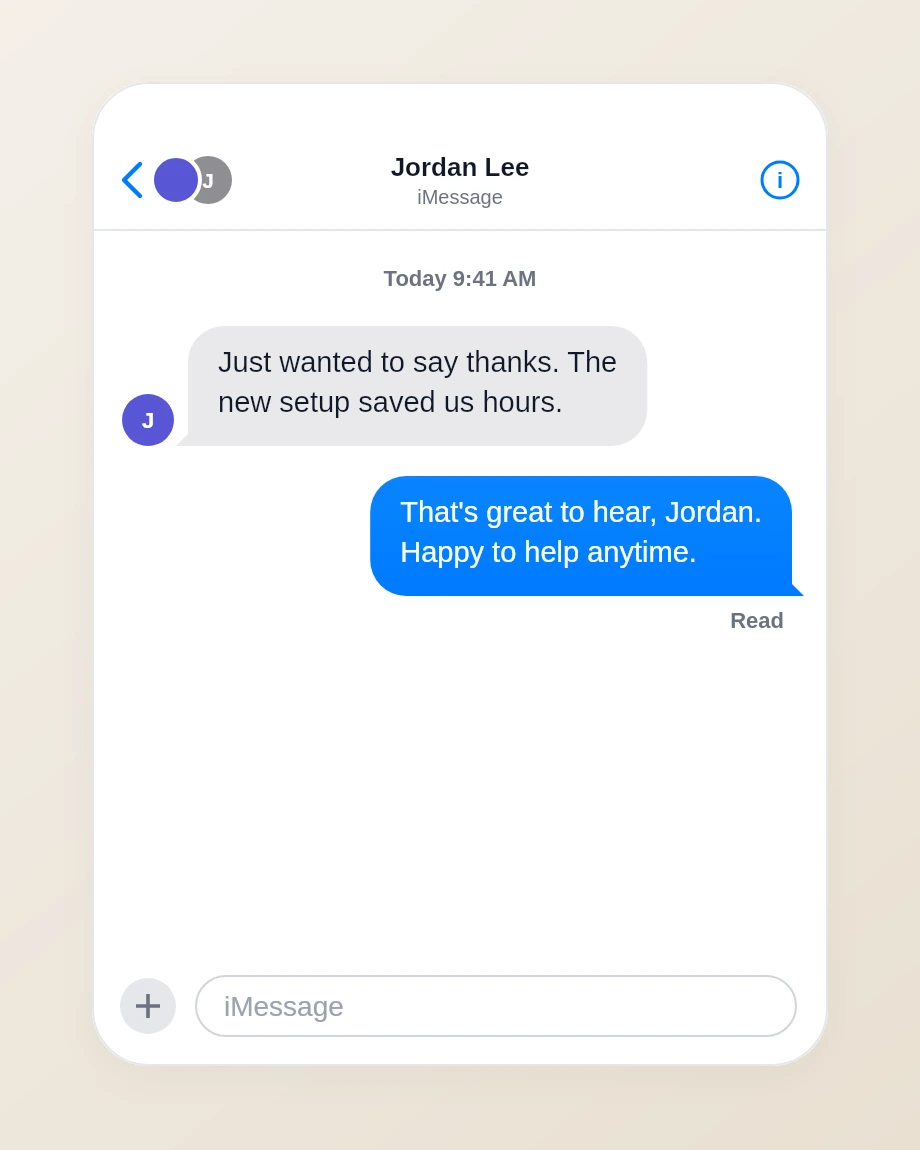
An iMessage mockup generator makes a picture of an iPhone text conversation. You type the contact name and the messages, pick blue iMessage or green text message, and download an image. People use it for ads, landing pages, decks and demos. It doesn't send messages or connect to your phone.
Six details people notice. Every one is yours to edit.
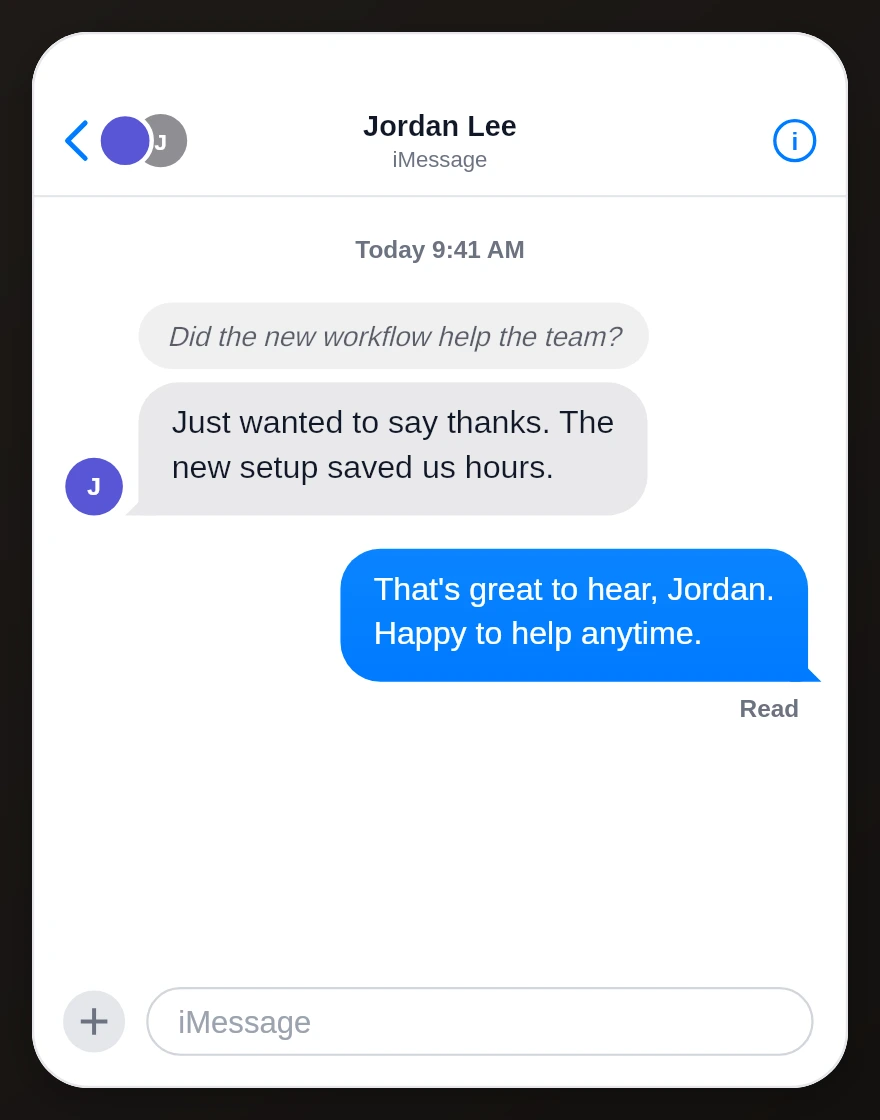
A frosted header with a back arrow and an info button.
Contact name with a stacked avatar, initial and color.
Blue for iMessage, green for a text message.
Show a reply to an earlier message.
Show Delivered or Read under your bubble.
Set the time shown above the chat.
Same chat, two looks. Flip it and see.
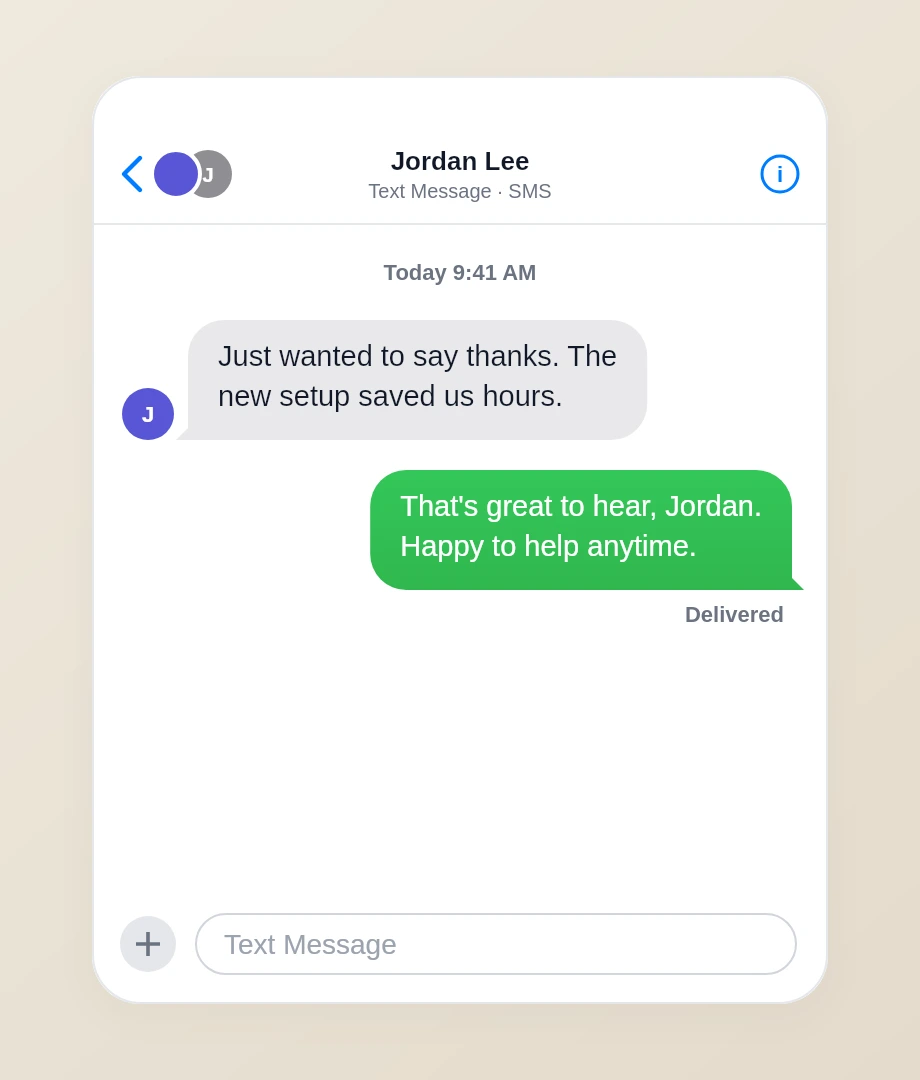
| Look | Bubble color | What it means | Good for |
|---|---|---|---|
| iMessage | Blue | Sent over Apple's iMessage | Everyday iPhone chats, app demos |
| Text message | Green | Sent as an SMS or MMS text | Business alerts, reminders, delivery updates |
Both work in light and dark. Need a WhatsApp chat instead? Open our WhatsApp mockup generator.
| Detail | What you can do |
|---|---|
| Contact | Name, initial and color |
| Messages | One incoming message and your reply |
| Look | Blue iMessage or green text message, light or dark |
| Status | Delivered or Read under your bubble |
| Quoted reply | Show a reply to an earlier message |
| Time | Set the timestamp |
| Output | Five sizes, backdrops or see-through, rounded corners, shadow, sharp PNG |
| Editing | Click any text in the preview to change it |
| Size | Good for |
|---|---|
| Square 1:1 | Feed posts and landing pages |
| Tall 4:5 | Feed ads |
| Story 9:16 | Stories and Reels |
| Wide 16:9 | Slides |
| Fit to text | Docs and decks |
Free plans export one size at a time. All sizes in one ZIP needs a paid plan.
Show a short chat in an ad. Square or 4:5 works well.
Show a customer's text as proof. Get their OK first and hide private details.
Show how a message flow will look before you build it.
Show how your team follows up with customers.
Explain a reminder or reply script.
Make a chat for a script or a short film. Label it as fiction.
Sample · iMessage · Read
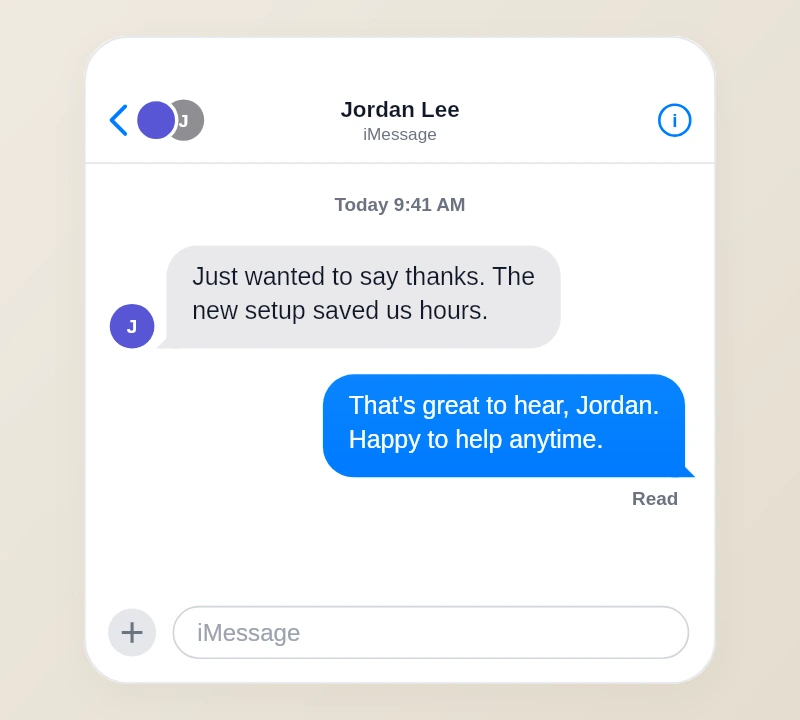
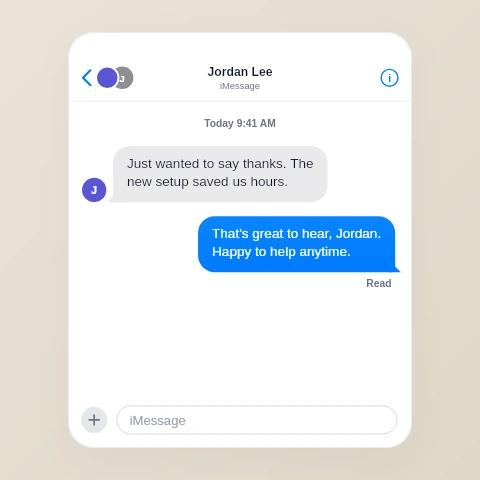
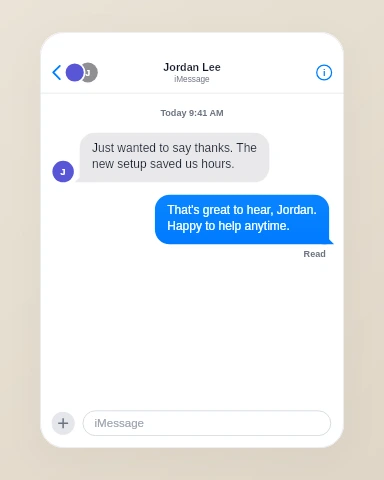
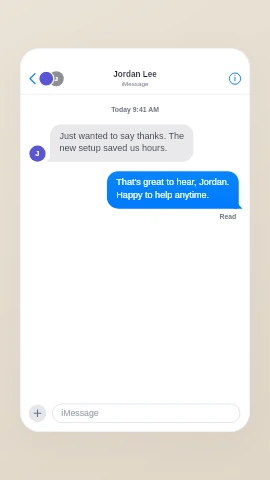
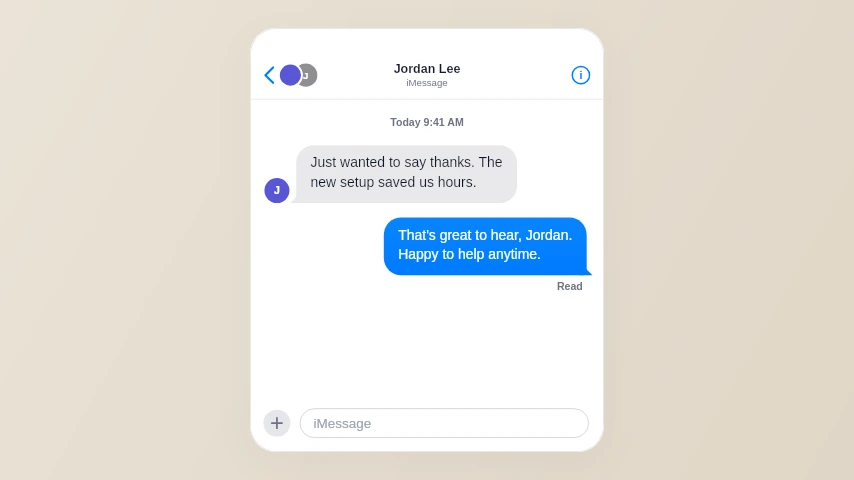
Jordan Lee: “Just wanted to say thanks. The new setup saved us hours.” / “That's great to hear, Jordan. Happy to help anytime.”
See coaches and creators examplesSample · Text message · Delivered
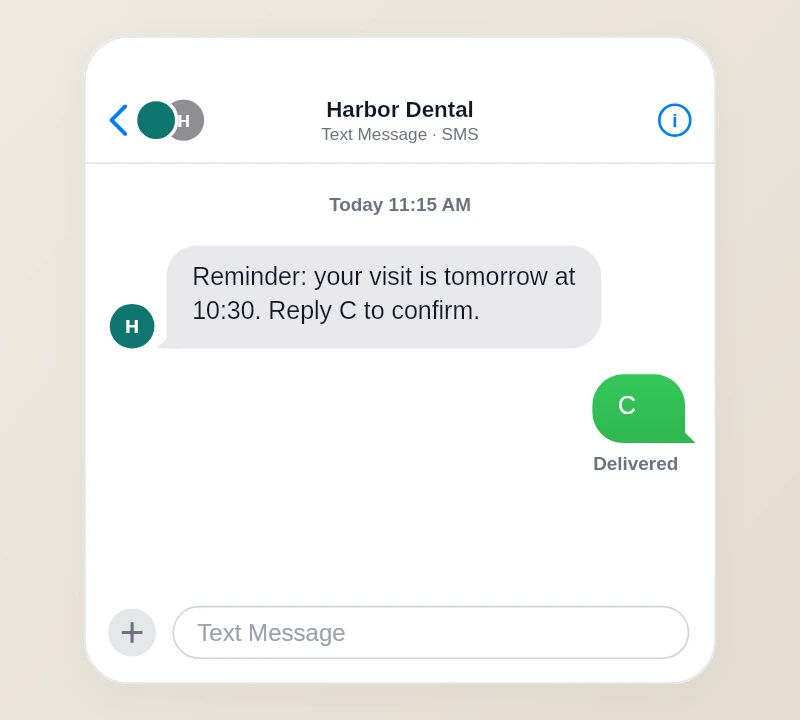
Harbor Dental: “Reminder: your visit is tomorrow at 10:30. Reply C to confirm.” / “C”
See local business examplesSample · Text message
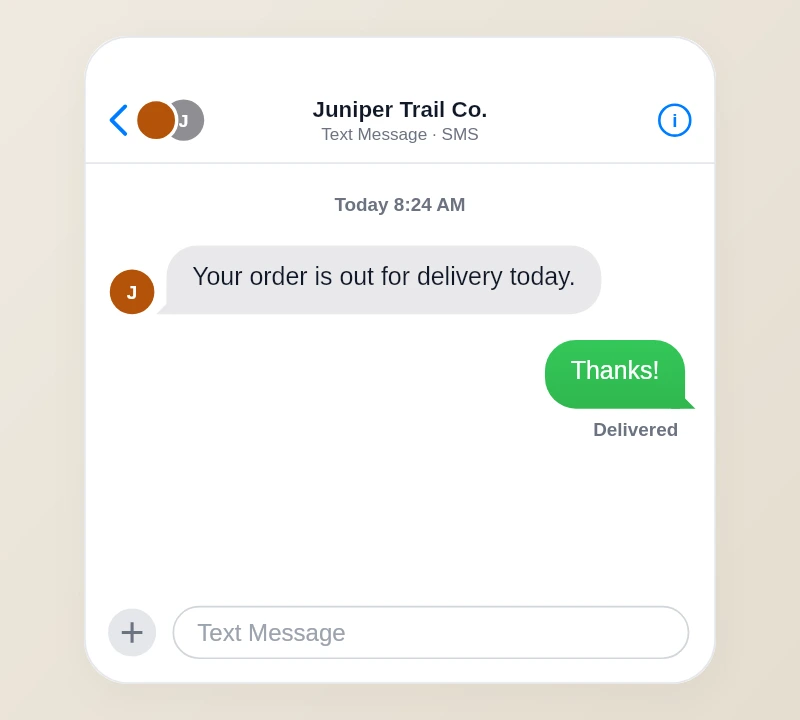
Juniper Trail Co.: “Your order is out for delivery today.” / “Thanks!”
See online store examplesSample · iMessage
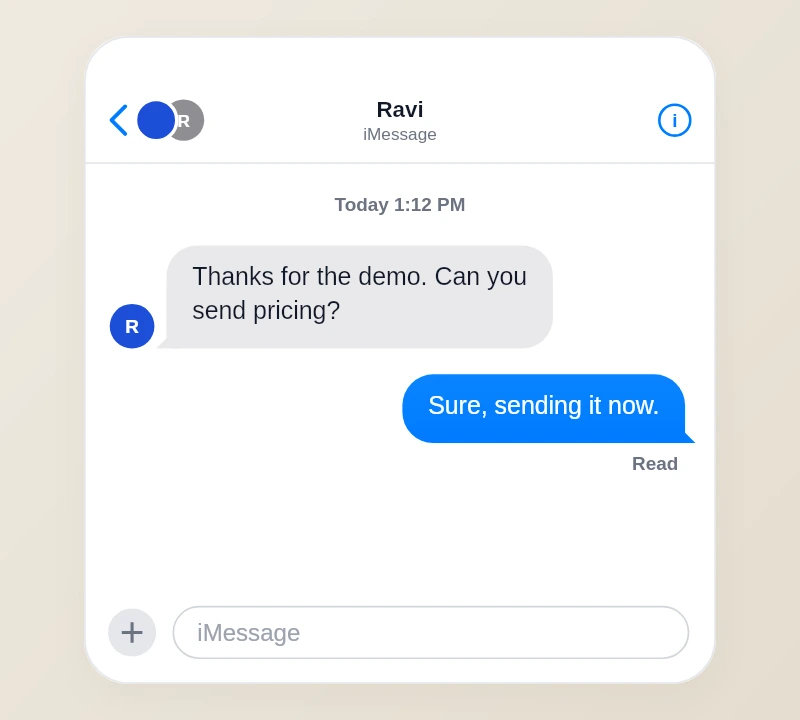
Ravi: “Thanks for the demo. Can you send pricing?” / “Sure, sending it now.”
See SaaS and software examplesSample · iMessage
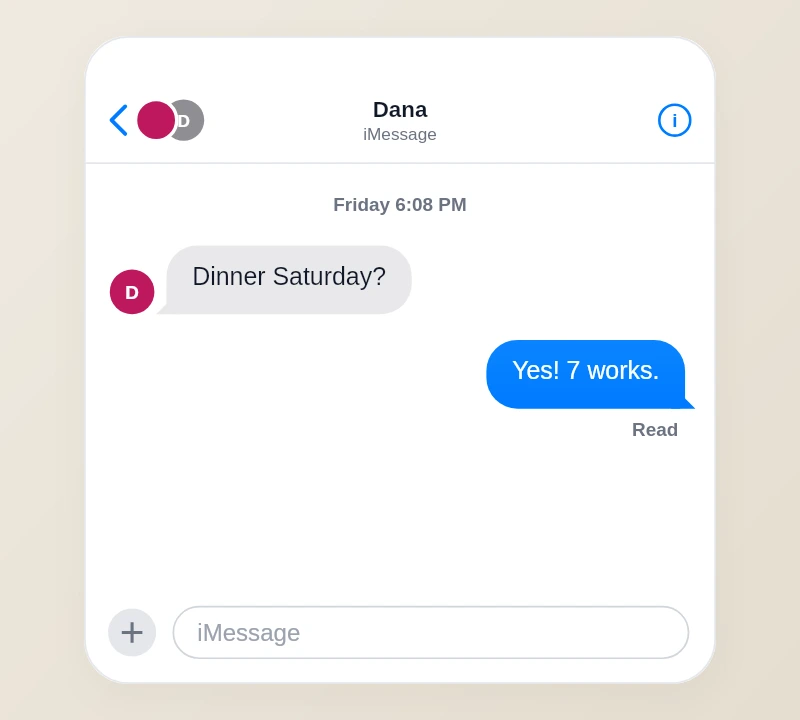
Dana: “Dinner Saturday?” / “Yes! 7 works.”
See restaurant examplesSample · Fiction · iMessage · Fiction
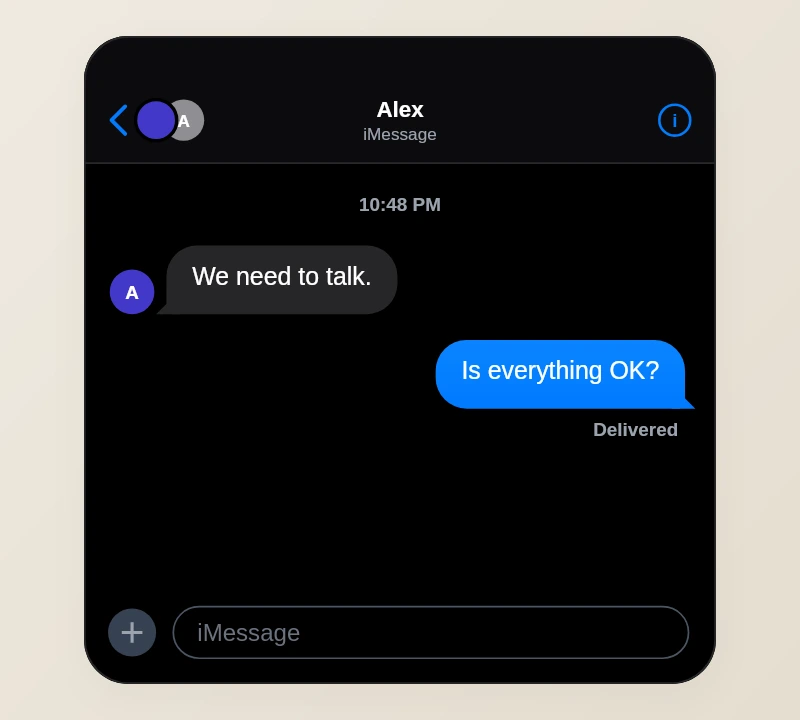
Alex: “We need to talk.” / “Is everything OK?”
See agency examplesMore examples by industry: SaaS and software showcaseOnline stores showcaseAgencies showcaseCoaches and creators showcaseRestaurants and local showcase
Ask first. Get a clear yes from the customer.
Hide phone numbers and any private details.
Keep their words as they wrote them.
Choose a size and post it with your own caption.
Start with a free preview and download, or pay once when you need clean exports.
No auto-renewal · No card stored · 7-day refund on the 30-Day Pass
Yes. You can preview unlimited iMessage and text message mockups for free and sign in for 1 free sharp PNG download with the PostWorthy badge. Paid plans remove the badge and unlock see-through backgrounds: $4 for 2 downloads, $9 for 30 days, or $99 lifetime.
No. It only makes an image. It never connects to your phone, reads your messages or sends anything. Every chat stays inside your browser so you can type sample copy, preview it on screen, and export a static PNG graphic.
Blue bubbles mean the message was sent over Apple's iMessage, which fits everyday iPhone chats and app demos. Green bubbles mean an SMS or MMS text message, which fits business alerts, appointment reminders, and delivery updates. Both looks work in light and dark mode.
Yes. Pick Delivered or Read and it shows under your last bubble. Open More details in the editor to switch the receipt anytime without changing your message text, whether you are building a light or dark iPhone chat mockup.
Not yet. Today it makes one-to-one chats with an incoming message and your reply. You can customize the contact name, initial, avatar color, timestamp, quoted reply, and delivery receipt, and pick light or dark mode in blue or green bubbles.
Yes. It runs in your browser, so you don't need an iPhone. Open the page on Windows, Mac, Chromebook, or Android, edit the contact name and bubbles directly in the preview, and export the same sharp 3x PNG image.
Pick Square 1:1 for feed posts and landing pages, Tall 4:5 for feed ads, Story 9:16 for stories and Reels, Wide 16:9 for slides, or Fit to text for docs and decks. Always check each platform's current specs before posting. Paid plans export all sizes in one ZIP.
Yes, as an image. Use real customer words with their OK, hide private details and don't suggest Apple endorses you. Check the ad rules where you post, and label scripted or story scenes clearly as fiction so nobody is misled.
Create realistic iPhone and Android WhatsApp chats with read ticks and reactions.
Build clean Facebook posts, recommendations, and sponsored ad previews.
Turn real 5-star Google reviews into sharp cards for ads and websites.
Format social proof posts in light, dim, or dark mode with custom counts.
Pick blue iMessage or green text message, type your chat, and download a sharp PNG.
Start editing